False 'Norton' and 'Mcafee'

Accepted Answer
Answers
-
-
Hello, @Jan_Lillefjaere4956
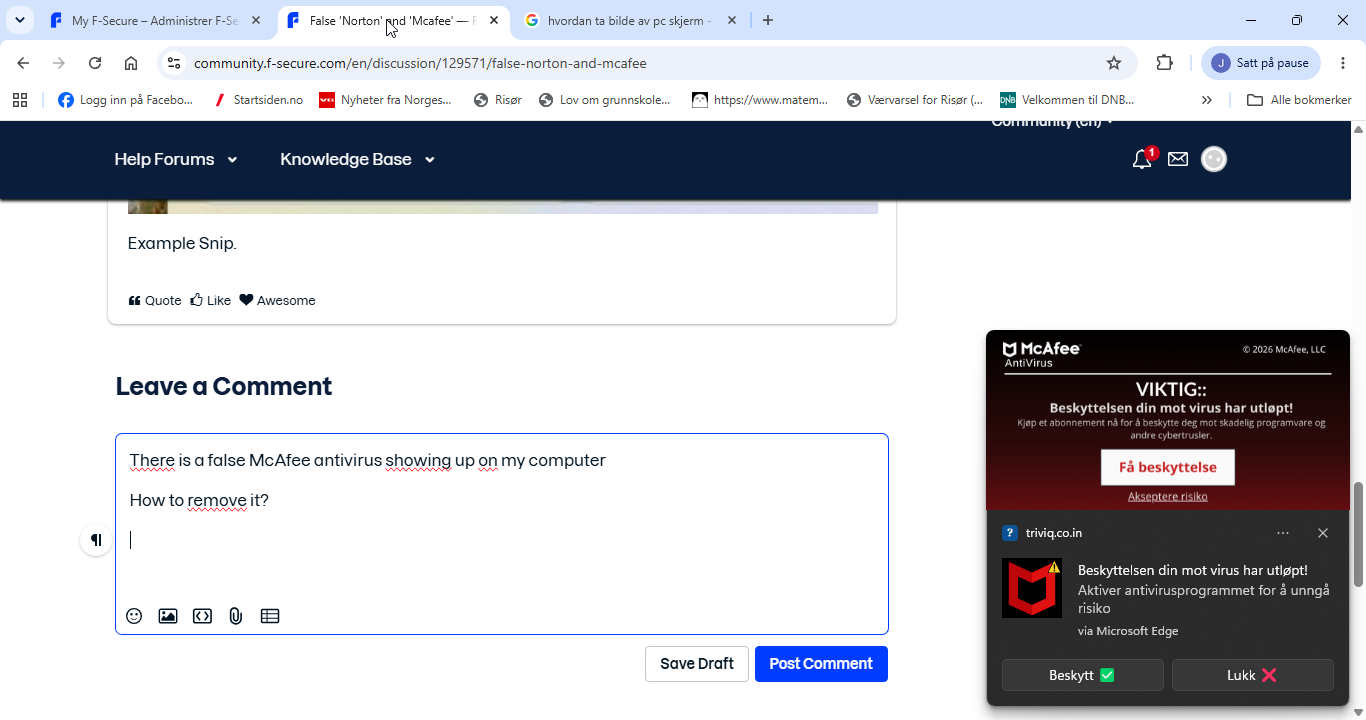
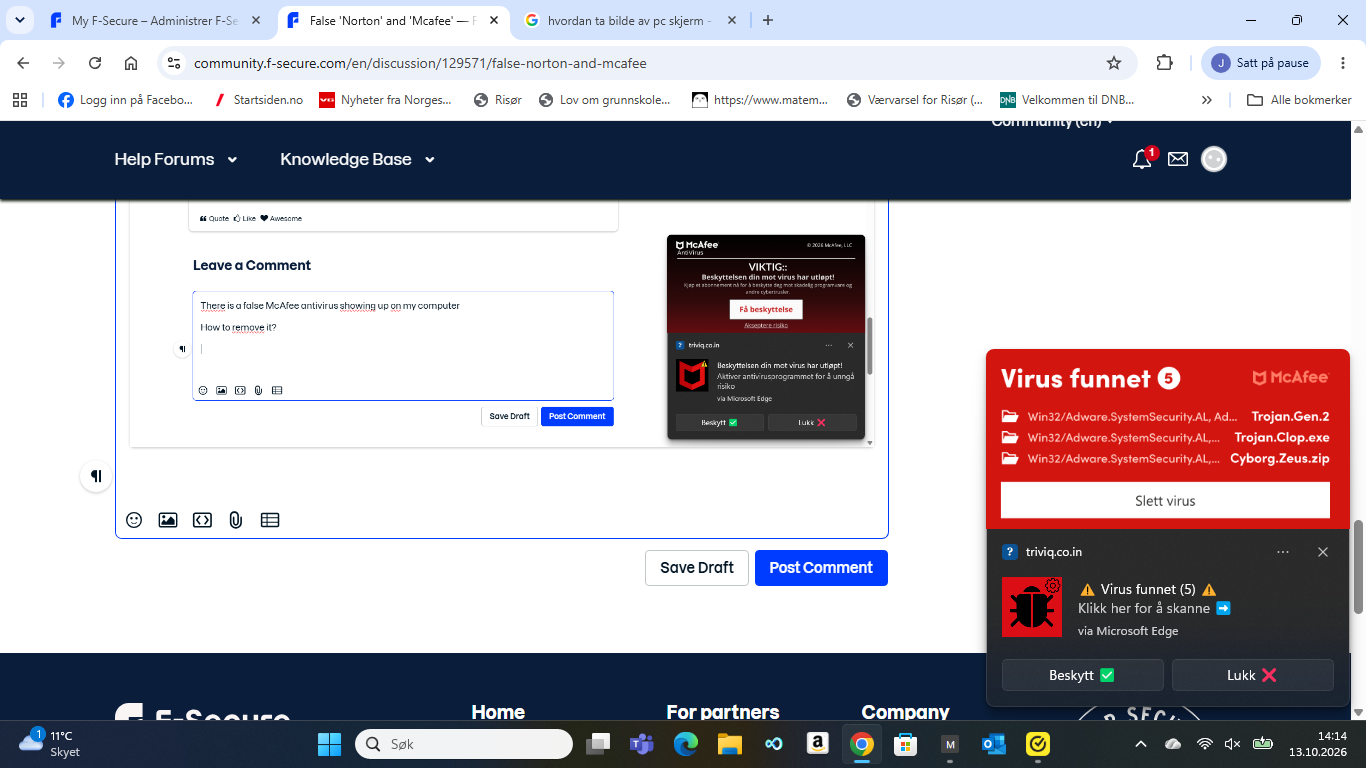
There is a false McAfee antivirus showing up on my computer
did you try steps from original poster's experience (such as this comment)?
as I can see in your screenshot - there is a certain URL / domain placed in 'fake' McAfee notification's header - started with "triviq".
So, it is likely came from Google Chrome browser notification's feature (or whatever it is).
Try to check this place in your browser: Settings - Privacy and security - Site settings - Notifications; if you do not use it for your own needs - just remove everything there from the list (especially suspicious or started with "triviq").
Then check against any strange addons via chrome://extensions
Then as per original topic's solution - try clear up a bit of cache, cookies (I think via chrome://settings/clearBrowserData)
as a double check - run Full Scan by your AV solution (is it Norton?). Or something like F-Secure Online Scanner (https://www.f-secure.com/en/online-scanner).
If you need support or detailed instructions for any specific stage or step, just write back - surely Community will try to produce better advice!
// since in your case - there is a McAfee fake - it appears they have a dedicated page on this topic: Spot fake McAfee notifications (with some visual and text-based guides).
Thanks!