Banking protection - Green frame is not displayed when visiting my banking page

Answers
-
Hello @AS2002
There are 2 things you can do. First, go to the banking site and from the F-Secure Firefox extension, click on "Do you think this website is rated incorrectly"? Send us a report. From the next window click on the Banking site option, and if there is the option to fill in your account email address, then Support will keep in touch with you from there.
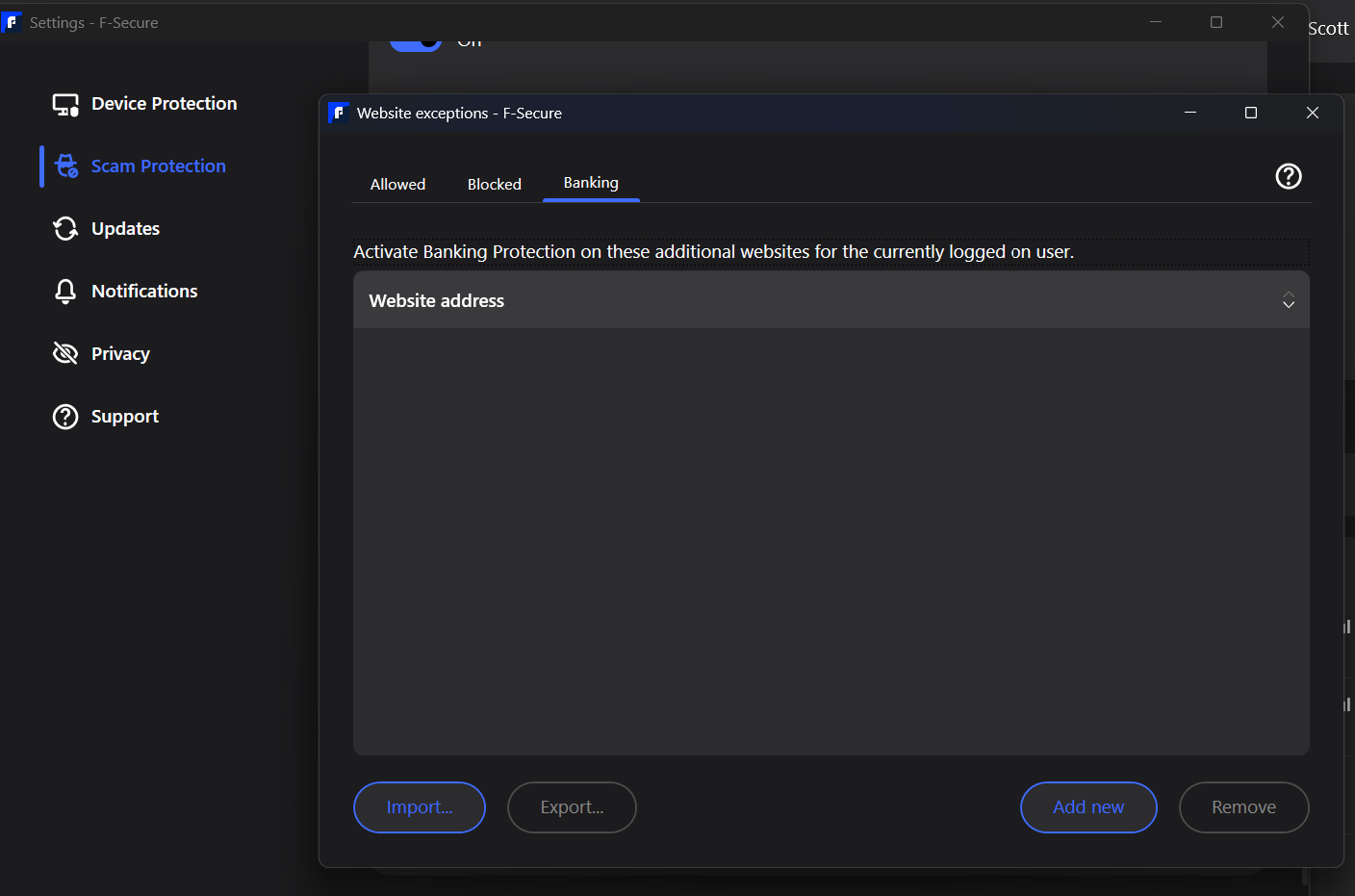
Then, you can manually add that site into Banking exceptions until the site is reviewed and approved by the developers. Go to the App Settings - Edit settings as Admin - Scam Protection - scroll down to Allowed websites - View website exceptions - Banking - Add new.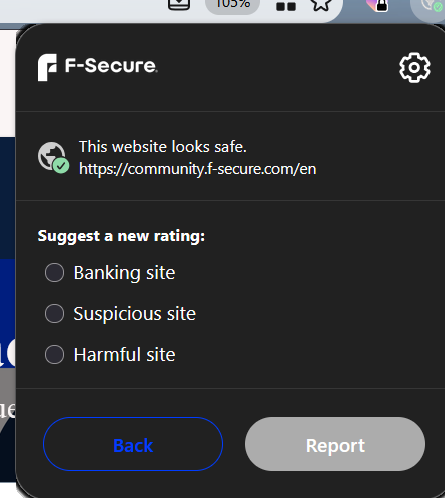
As far as if it was previously working but now isn't, could be another ad block or some other extension that may have received an update and broke that auto detect ability by the F-Secure extension? I'm on Windows 11 26H2, with Firefox up to date, and F-Secure Internet Security 26.9, and in my case, my VPN is enabled as my bank "realizes" it's close to my actual location.
-