Operation cancelled error

Answers
-
Hello @DeedeeB
I'm not sure, but we can try this to see if it helps. I'm coming at it from the angle of a Windows 10-11 PC.
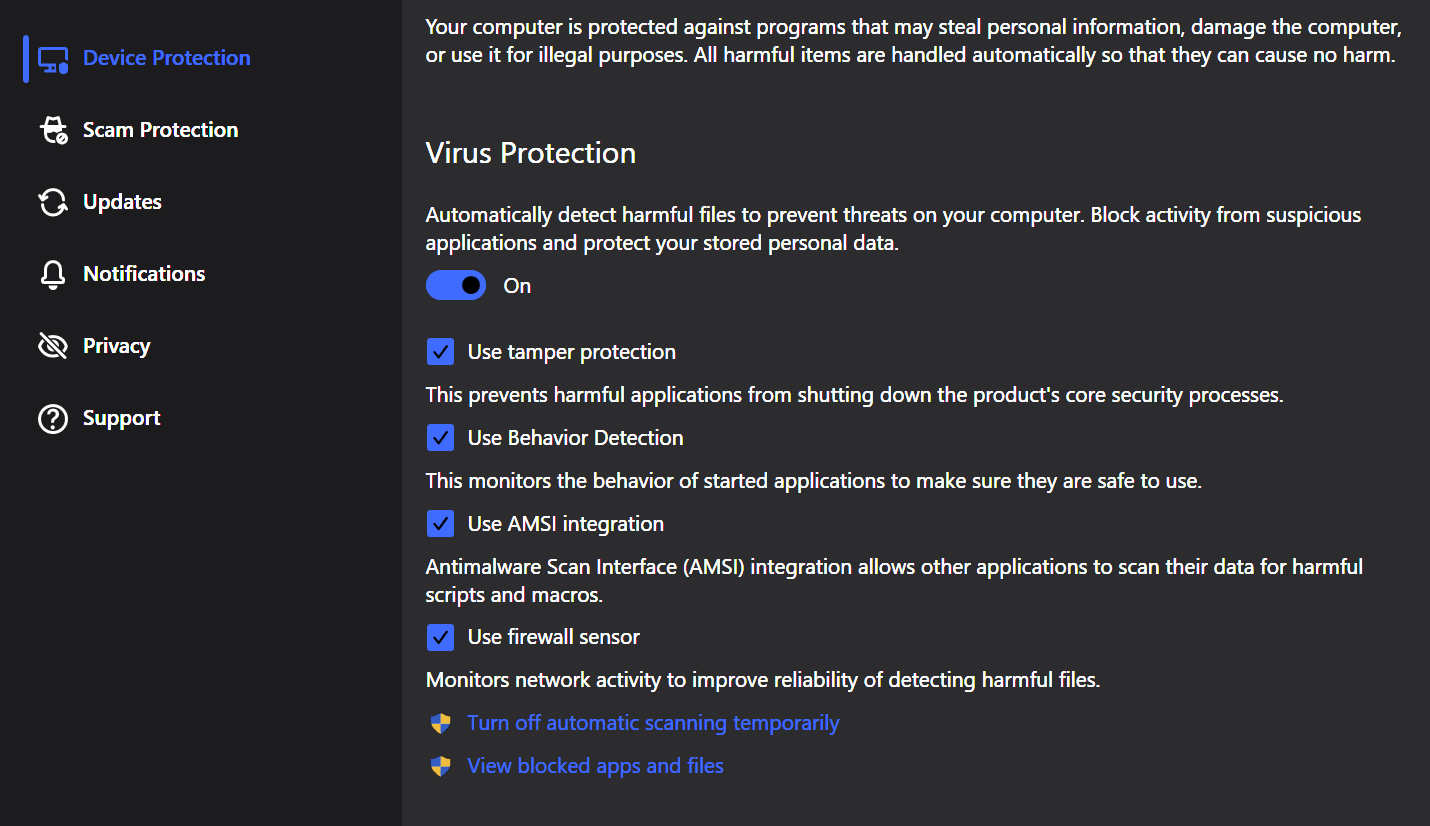
Open the Settings from one of the many options on the UI, or by right clicking the system tray icon. Edit setting as Admin (blue box) go to Device Protection and on Virus Protection, below is the option to View blocked Apps and Files, do you see anything in the Blocked category?
If not, from those same Device Protection/Virus Protection settings is an option to disable Use firewall sensor. Toggle it off, restart you PC and try uploading the pictures and see if that helps. (this may resolve it, disabling Firewall sensor)
If needed, in the Scam Protection Settings, you could try disabling that, and see if it works.
If not, you could go back into settings/admin and disable the Virus Protection and see if your able to upload the pictures. It's a process of elimination to see if it's an F-Secure issue or not.