Password Manager

Answers
-
Hi @BasilBrush
Yes, the F-Secure Password Vault is much easier to use than Bitwarden, more basic, less options and settings that can be confusing. It would be something I would suggest for my sister, who is still using her paper notes to log in.
The Password Vault does not include a Bitwarden import, so you would manually need to create those, unless someone here or in Support knows a way around it. At one time I had exported the password manager I was using into one of the supported F-Secure imports. I then from that app, exported them into F-Secure, then closed and deleted that other account. Not sure you want to do all of that, though.
The below from this link:
You can import passwords from other password managers that support export to open text format. Importing is possible only with the Windows and Mac versions of the product.
Password Vault supports importing passwords from the following password managers:
- Dashlane
- F-Secure ID PROTECTION
- Google Chrome
- KeePassX V2
- LastPass
- Microsoft Edge
- Mozilla Firefox
- True Key
Here are some images, in case they're helpful.
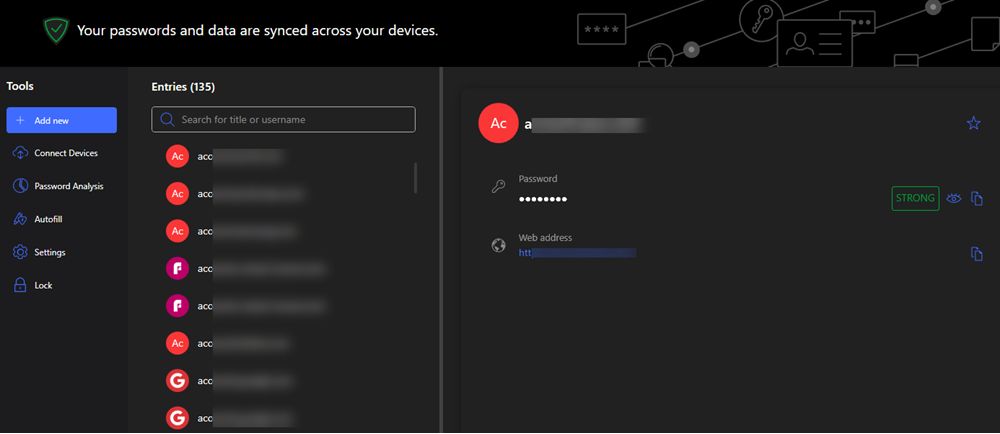
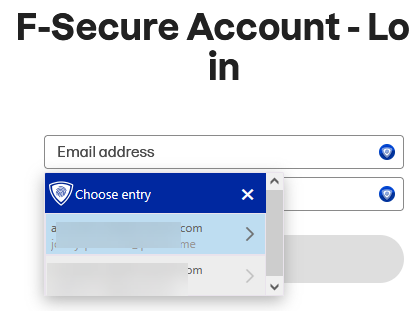
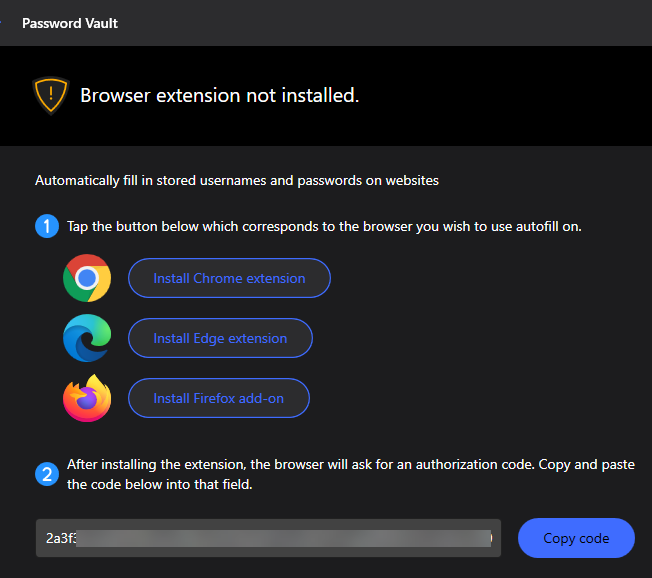
The images and F-Secure I'm using are on a Windows PC running Total.
Also, is this link, where you can scroll down to, Compare.
-
Just to join the conversation.
Is there a Passord Manager App within the F-Secure range.
F-Secure's option is more like secure / safe Password Vault (storage) with a bit of extra features, usually, found in password managers;like password strength analysis, some autofill functionality and so on.
If you already with F-Secure TOTAL subscription, then I would stick with F-Secure Password Vault as part of the entire app. With such set-up, at the very least, I have no desire to purchase any other specialized solution or use free alternatives (little trust in or interest in them when you do able to use F-Secure's option).
One thing to mention: @TVC15's last URL is about F-Secure ID Protection. A solution that can likely be purchased in precisely this form. Package of Password Vault and ID Monitoring. Essentially, this gives you the option to use this combination instead of being limited to just the "password manager" option or "entire suite" option. But I am not sure whether price is more favourable, reasonable or 'adequate' compared to the way of purchasing the full package (F-Secure TOTAL).
If you don't such an App what would you sugguest?
And the answer is, maybe, it all depends on how you 'want' or 'plan' to use such an app.
Which feature are the most important or 'required'.
For me, a reliable, secure storage solution would be enough (that's where F-Secure Password Vault is likely can be a choice). It would be even better if it offered a pleasant visual experience and ran without lag (this is where I might have some complaints about F-Secure Password Vault).