new member

Answers
-
Hello @TKCrawford
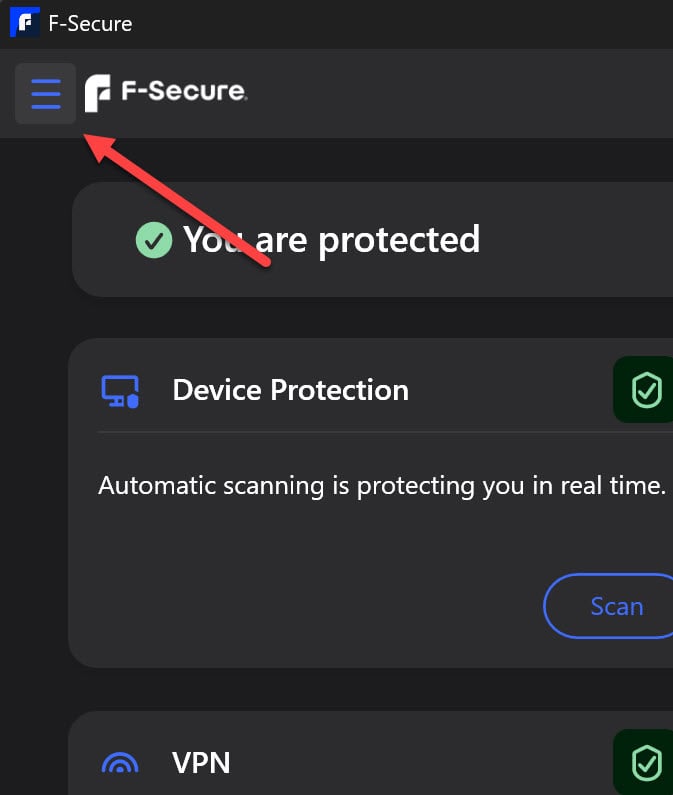
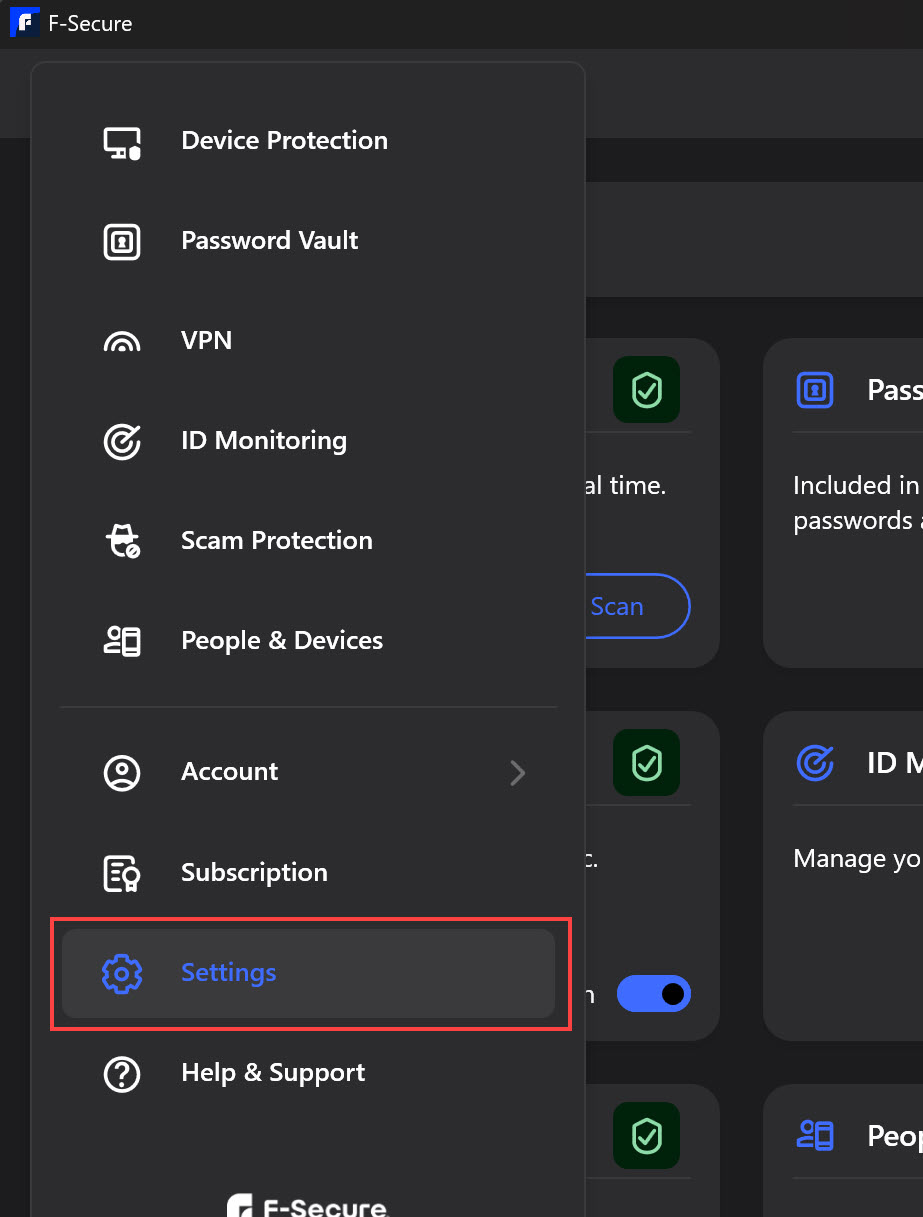
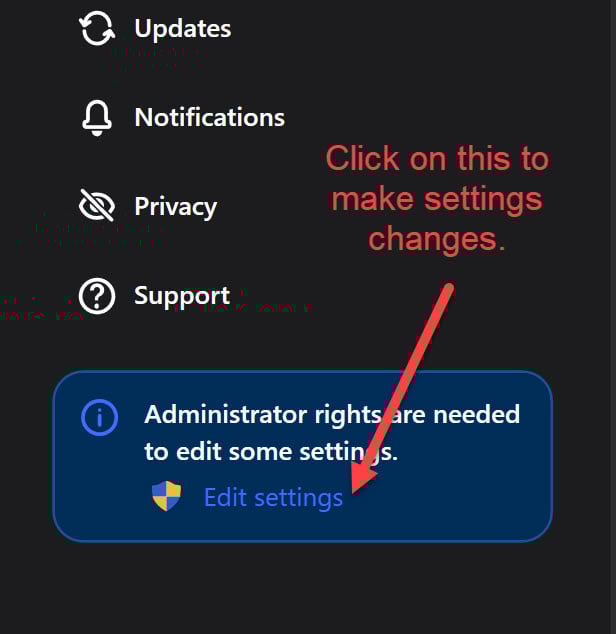
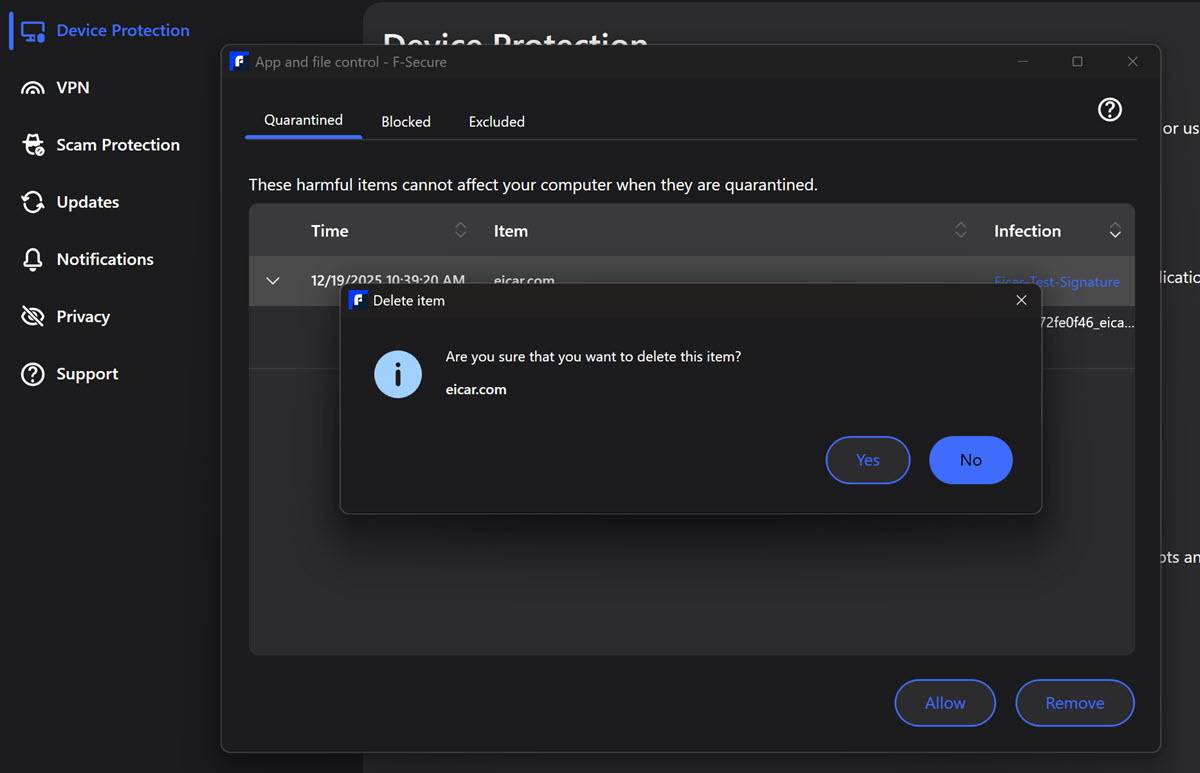
I'm hoping you're on a Windows PC, as this is what I'm replying with. In the Settings option (found on the top left of the App UI, the 3 lines, or from the right click system tray icon options, or from the Device protection module), click Edit settings/Admin rights needed, run as admin and go to Device Protection/Virus Protection/View blocked apps and files. Then on Quarantine, click (if needed) on the file and you will have the option to Remove/delete it.
If you wanted to leave it there for a week or two, to make sure it wasn't quarantined as a FP, your device will still be secured.
If you were wondering about a different OS, let us know.
Kind regards
-
Thank yo. My computer uses Windows 11. I couldn't find the settings option but did find Windows Security. It tells me that my F-Secure software is turned on and that there's no need for further action. A file called ButterScotch Integration.exe that I was worried about has been quarantined.
-
Hello,
It tells me that my F-Secure software is turned on and that there's no need for further action. A file called ButterScotch Integration.exe that I was worried about has been quarantined.
You can also try running a Full Scan with F-Secure to check for any suspicious "static" files or remnants of previously "active" items/threats.
There is Online Guide / Help / How-To: Running a virus scan manually (where you would be interested in the 'Full scan' part).
// usually, when (if) a file is successfully quarantined, it is already isolated from the rest of the system and safely 'stored' (it remains there in case it needs to be restored. Deleting a quarantined file simply means permanently removing it from quarantine / system, as described in the answers above).
-
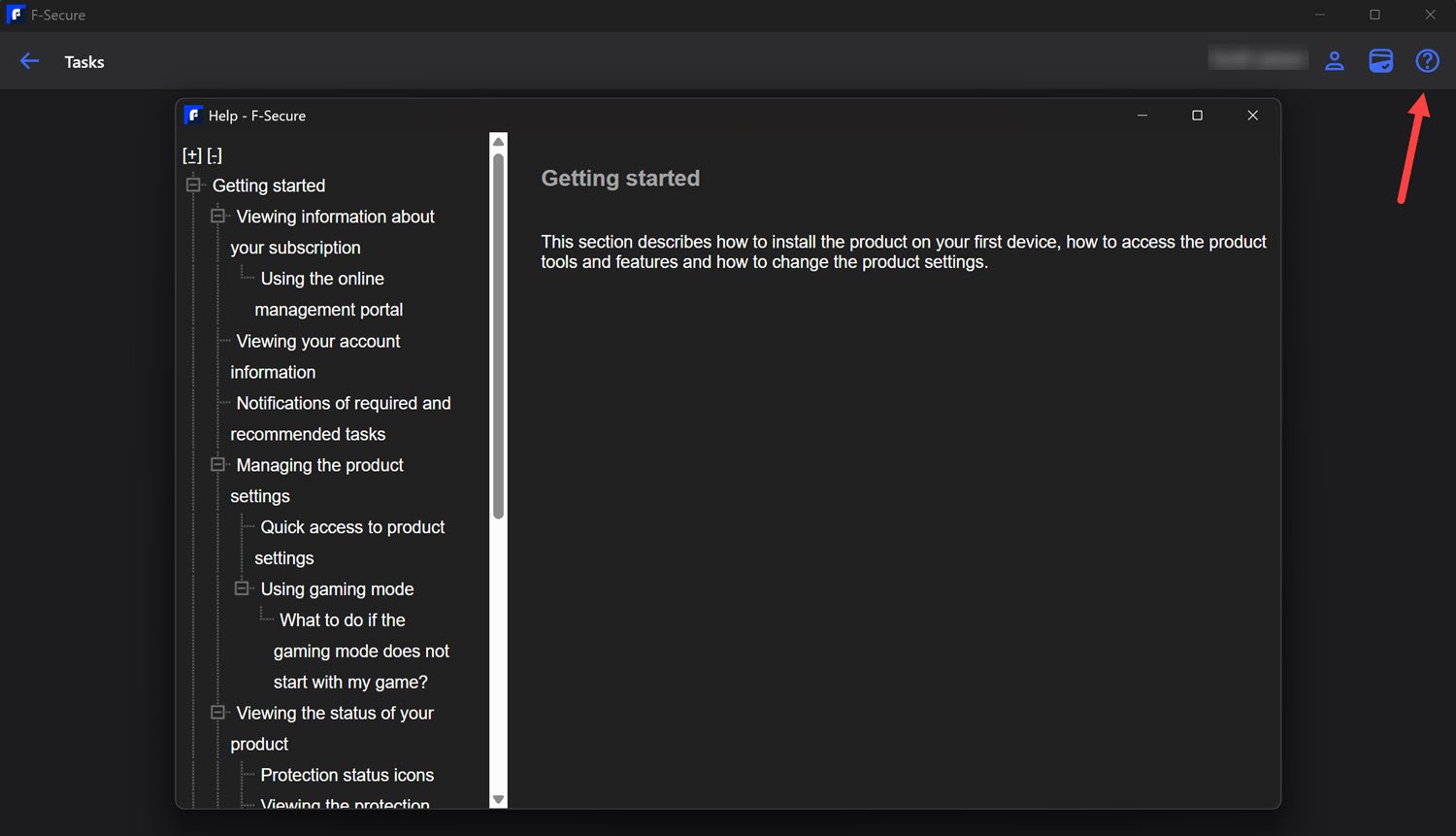
And just another addition :) is that you can also access the manual from the app UI, by ticking the question mark at the top right/Help, as well as from @Ukko's link.
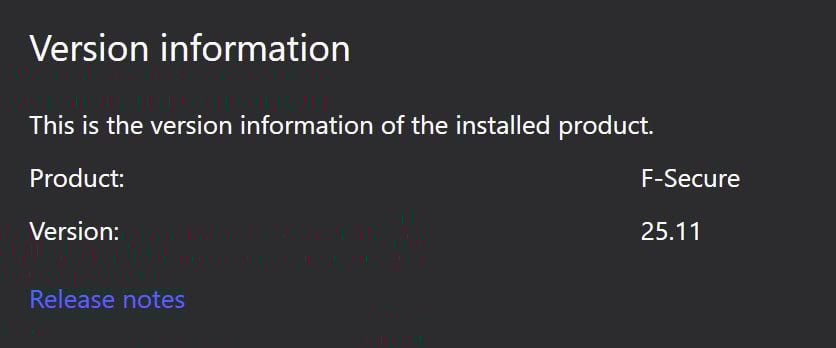
Also, from there (question mark) you can find your version number, as well as from the system tray icon/About.
A handy link to the release notes can be found in the app Settings/Support and it gives you a link to the Release notes as well as Bookmarking that webpage if you want.
Cheers :)